Album Cover Art Maker
Find a visual direction for your next release, then refine the image and type until it feels like yours.
Create cover artStudio account required · generation starts at 1 credit per image
Made in Studio.
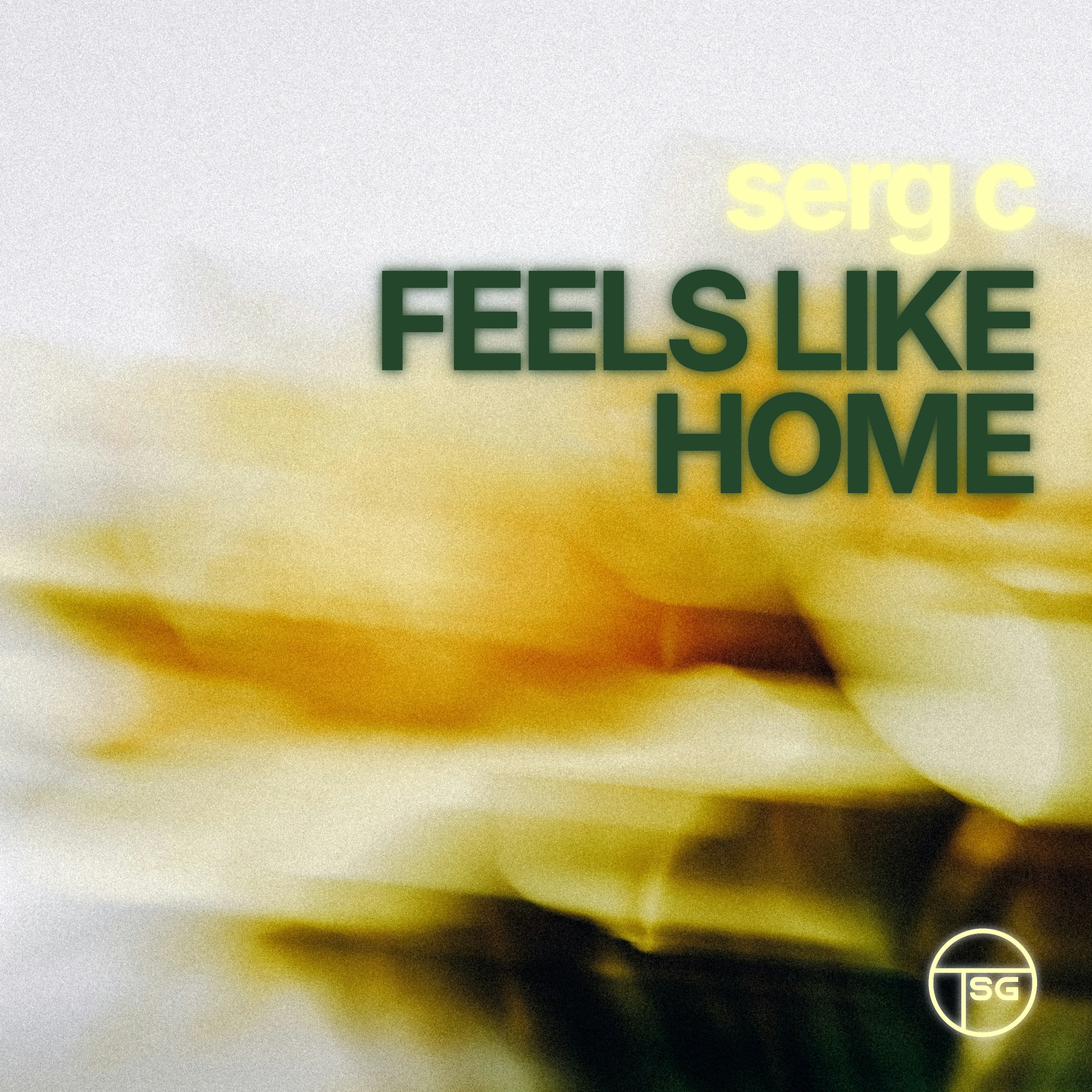
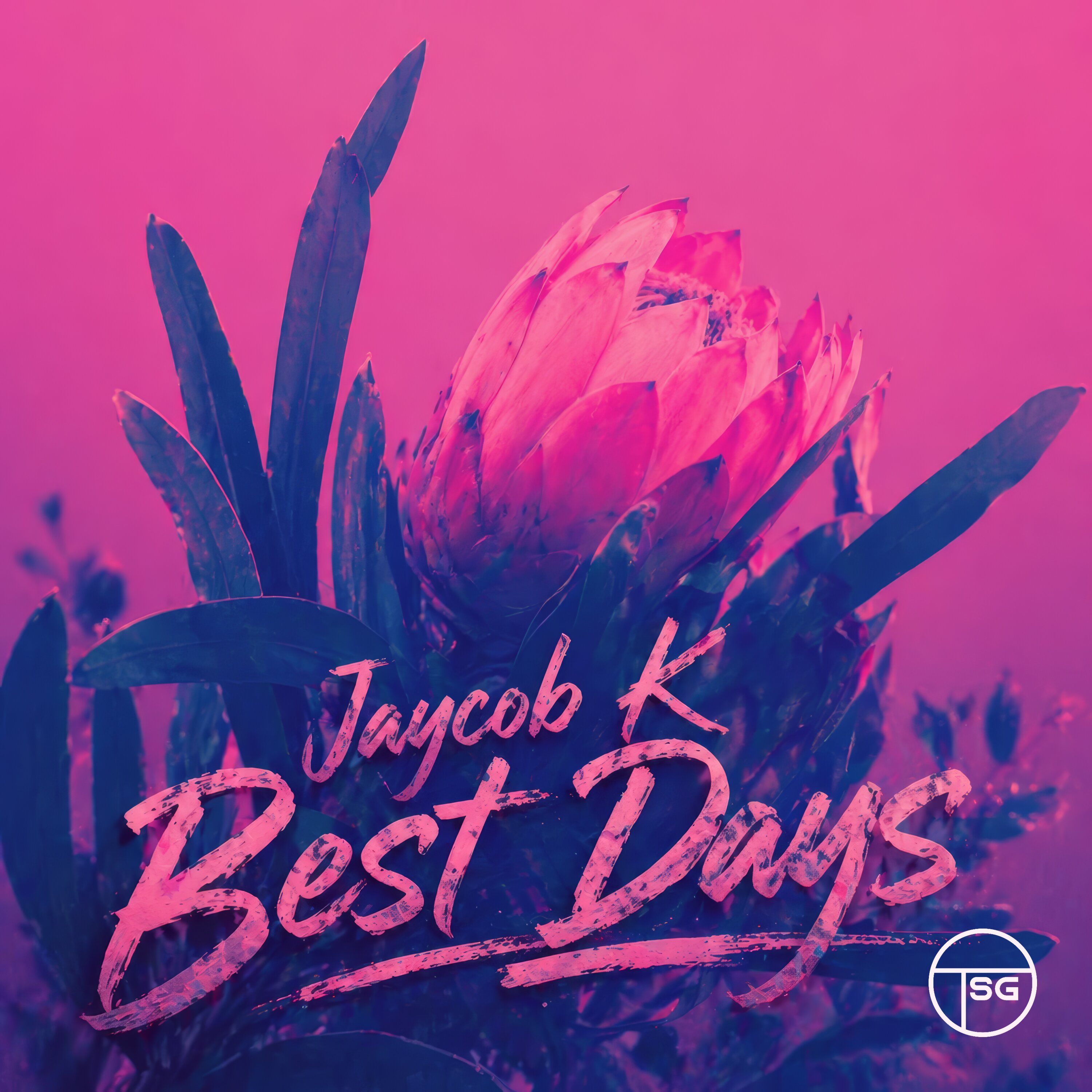
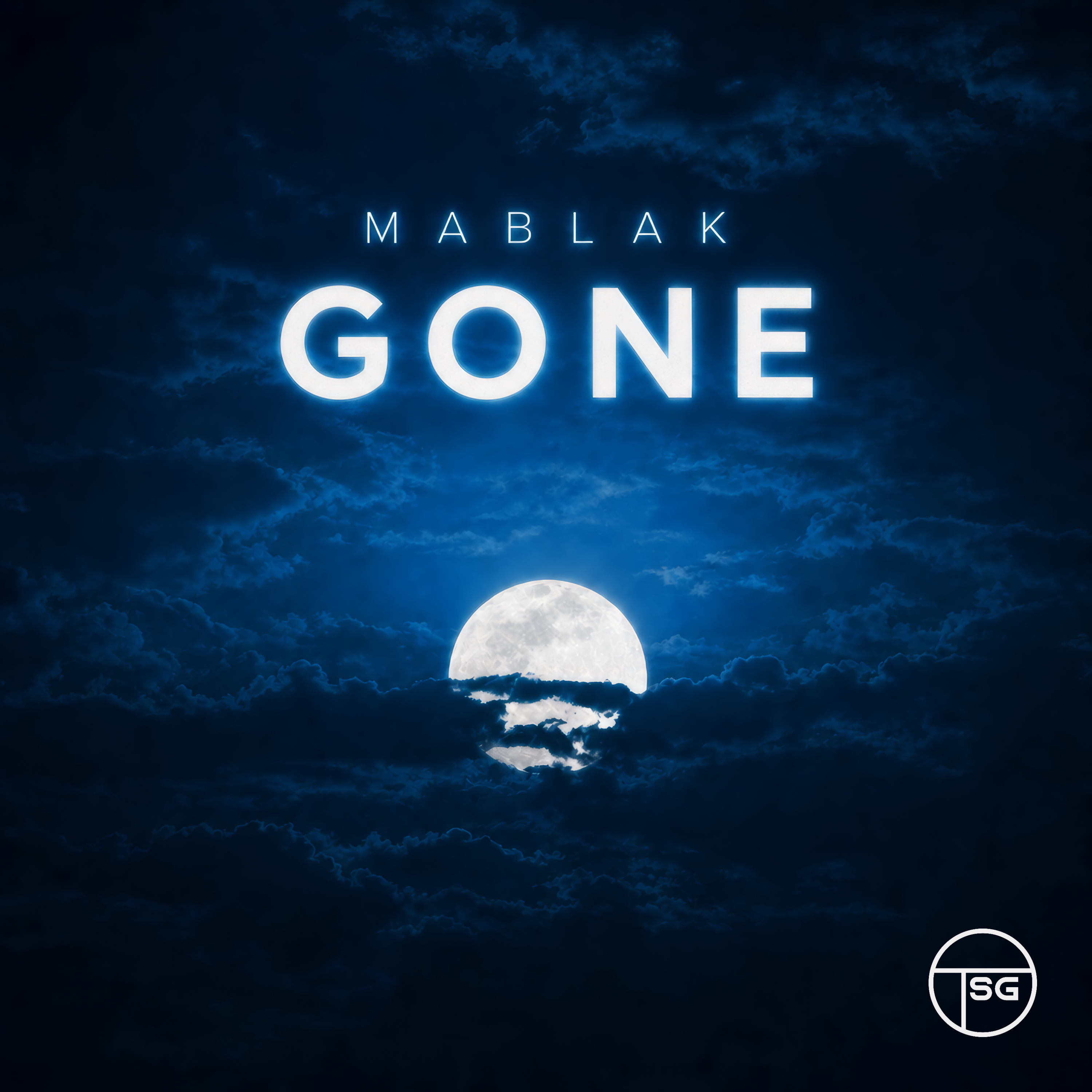
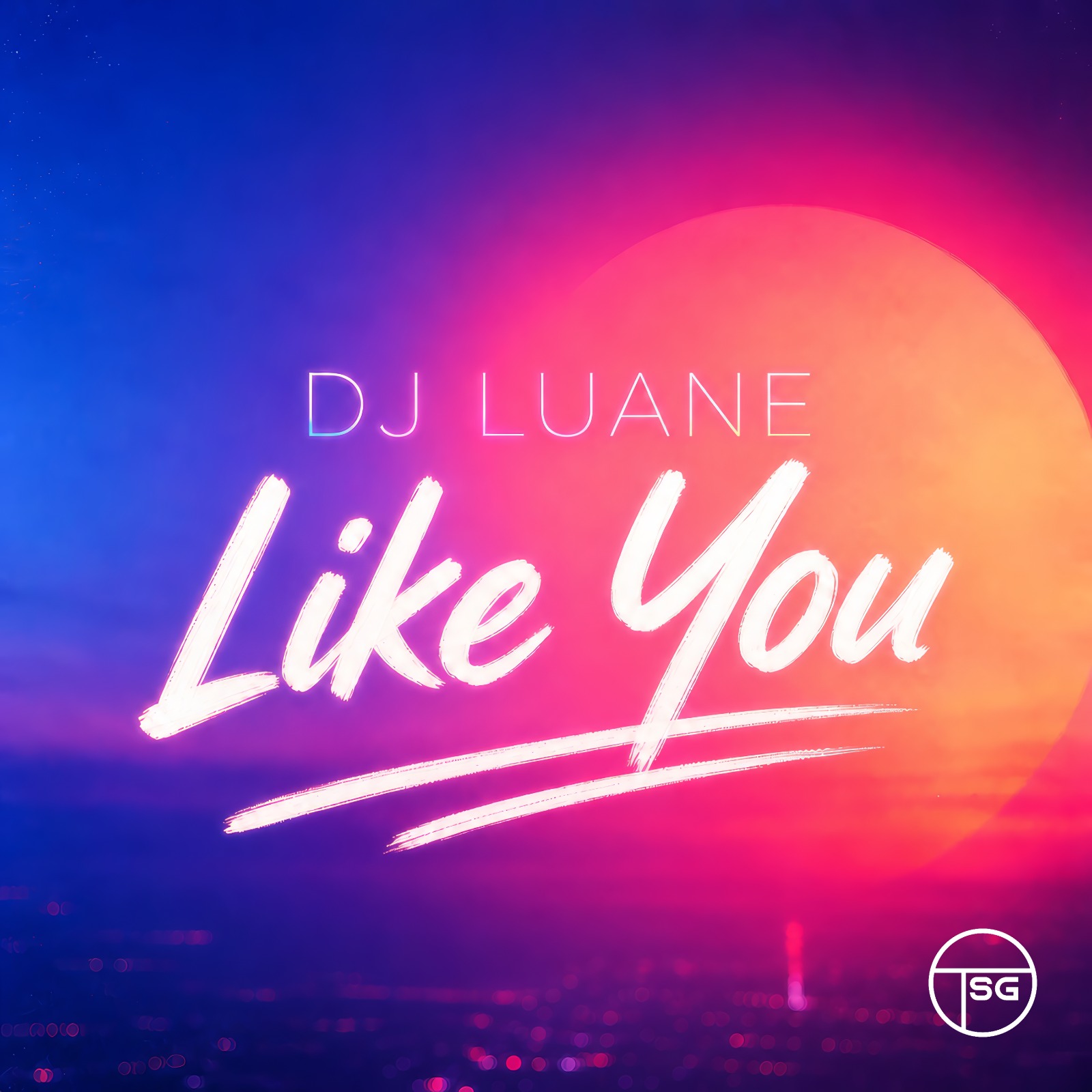

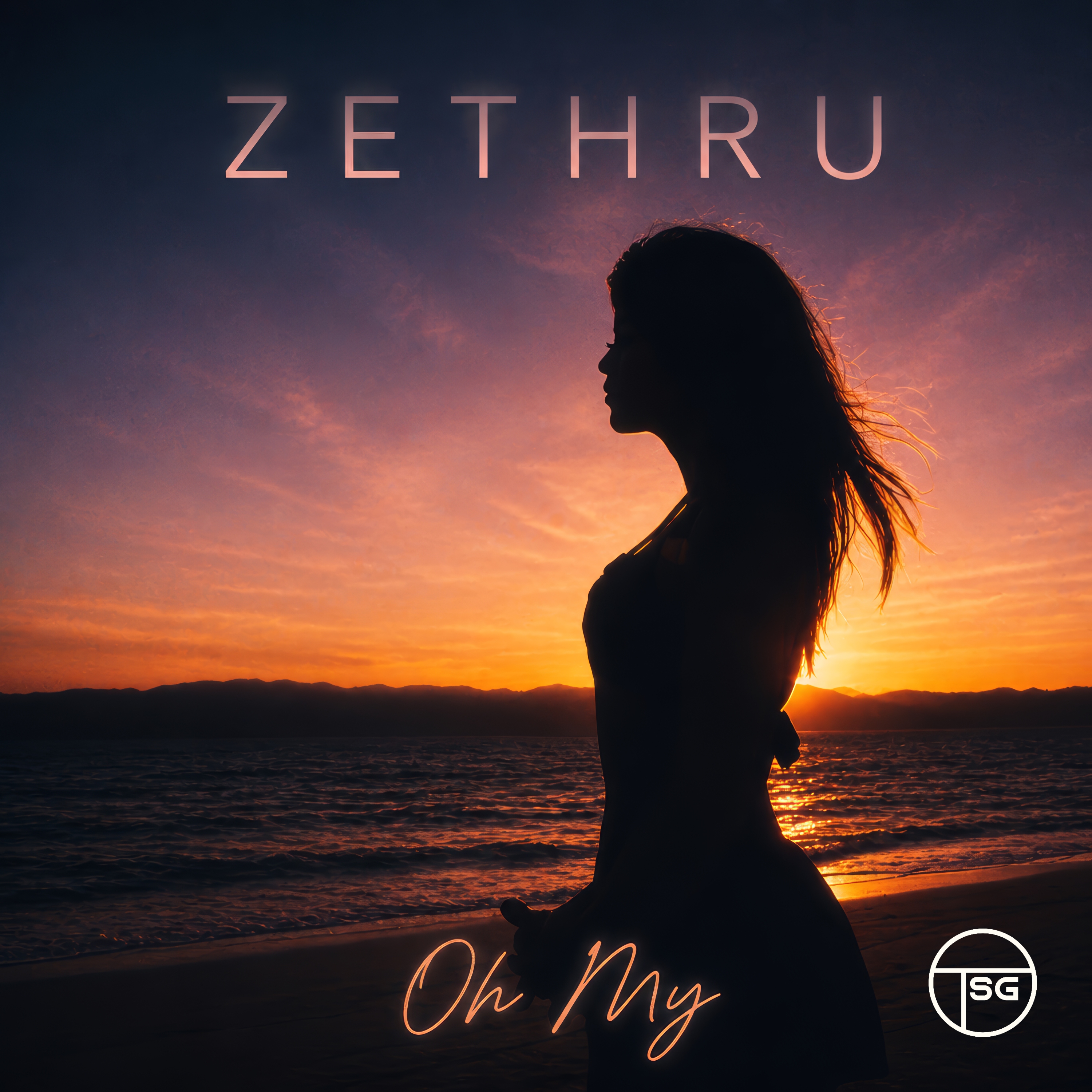
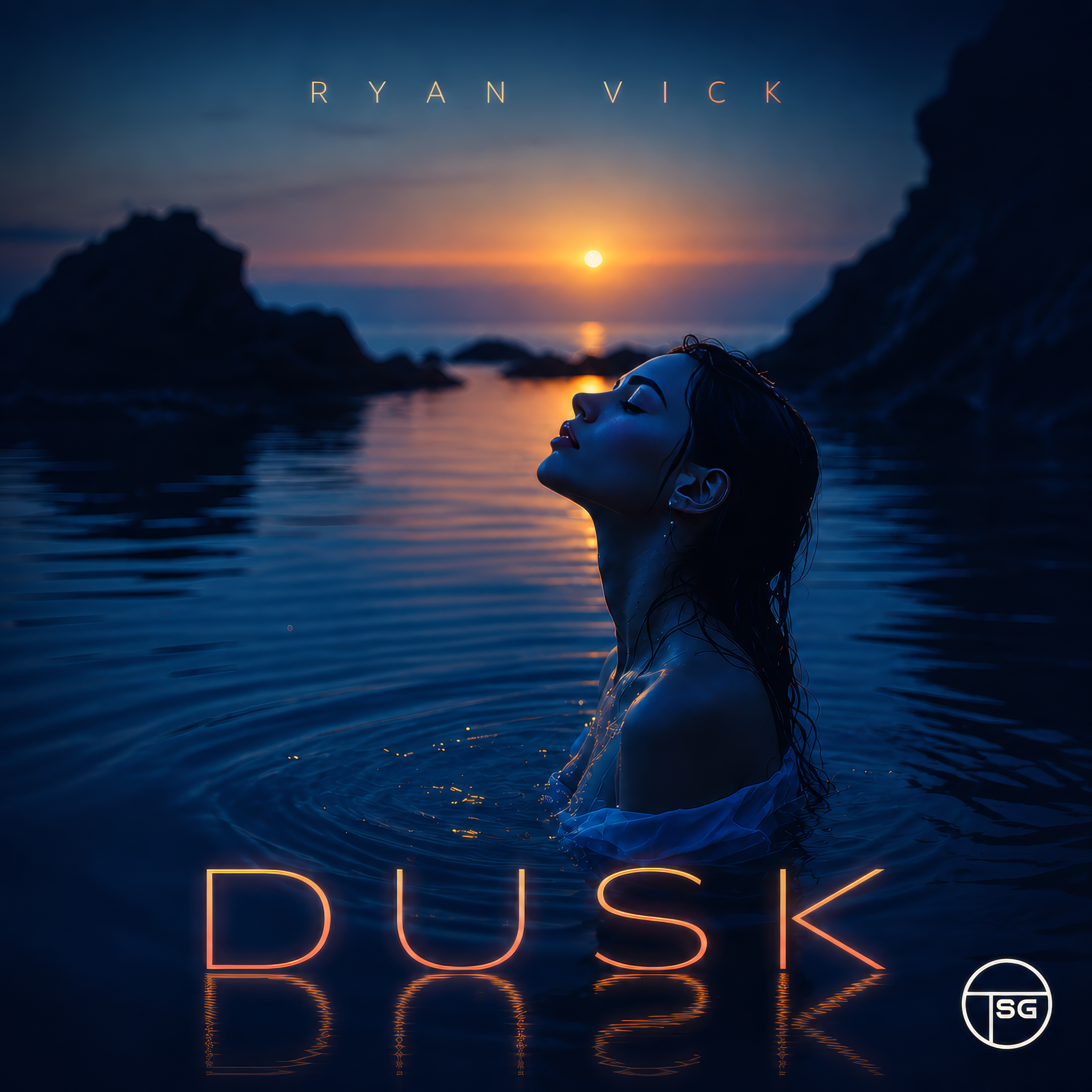
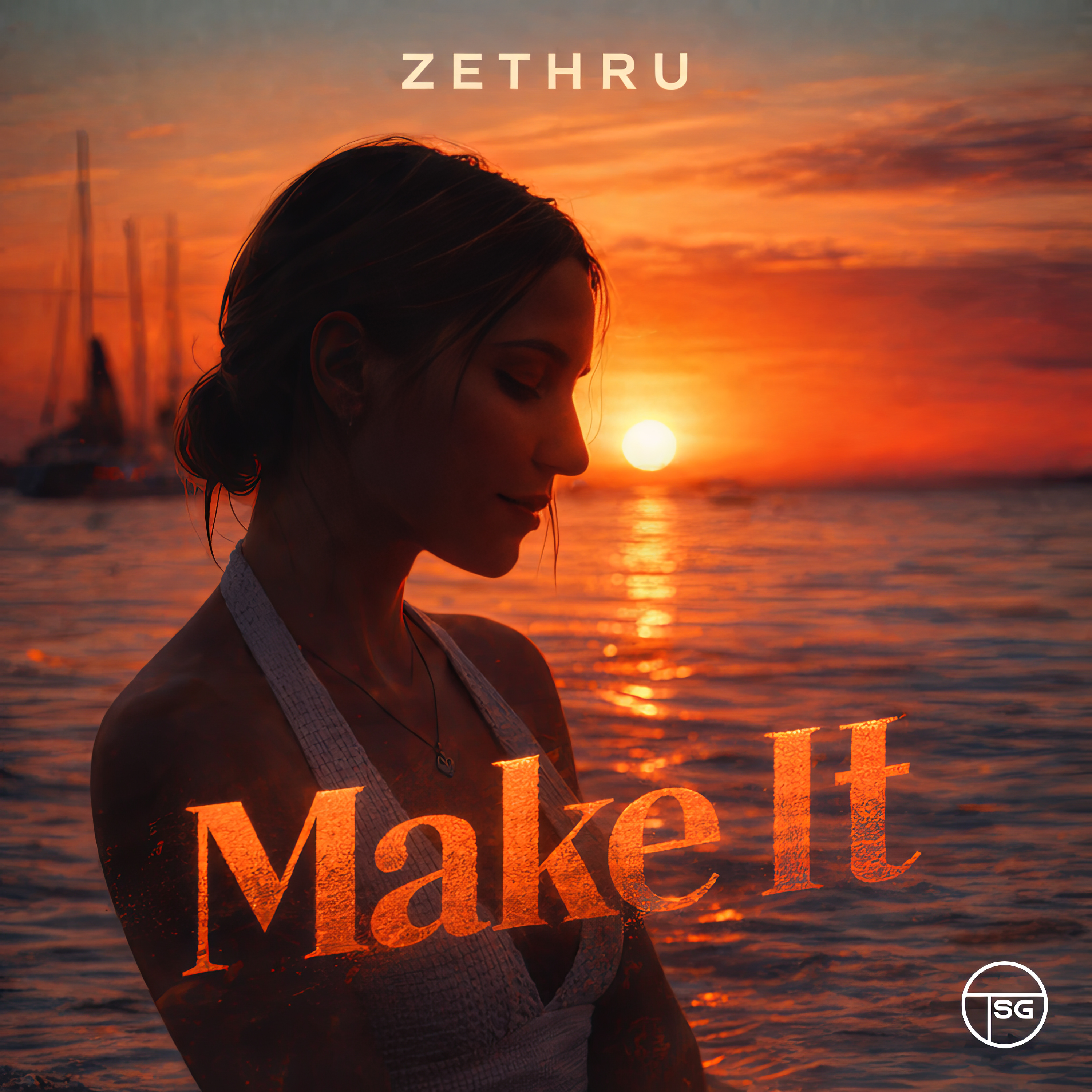
Finished artwork selected for the public Studio showcase.
Start with a concept, finish with a cover
Describe the release and explore curated visual styles or start from an image you already own. Generate concepts, then use typography and editing tools to refine the result.
Before delivering a cover to a distributor, verify the final dimensions, file format, rights and any store-specific rules. The free Cover Art Checker helps you review the technical basics.
Check your cover before deliveryHow it works
- 1
Choose a direction
Use a style and describe the mood of the music.
- 2
Shape the image
Review concepts, add artist/title typography and refine the design.
- 3
Check and export
Download the result and verify it against your distributor’s requirements.
Before you start
- Does generation cost credits?
- Yes. Cover generation starts at 1 credit per image; additional editing actions may have separate costs.
- Is every cover automatically accepted by stores?
- No. Review dimensions, content rights and each distributor’s delivery rules before submission.