Smart Links for Music
Give listeners one place to find your release, choose a service and stay connected after the first click.
Your music, in the listener’s hands.
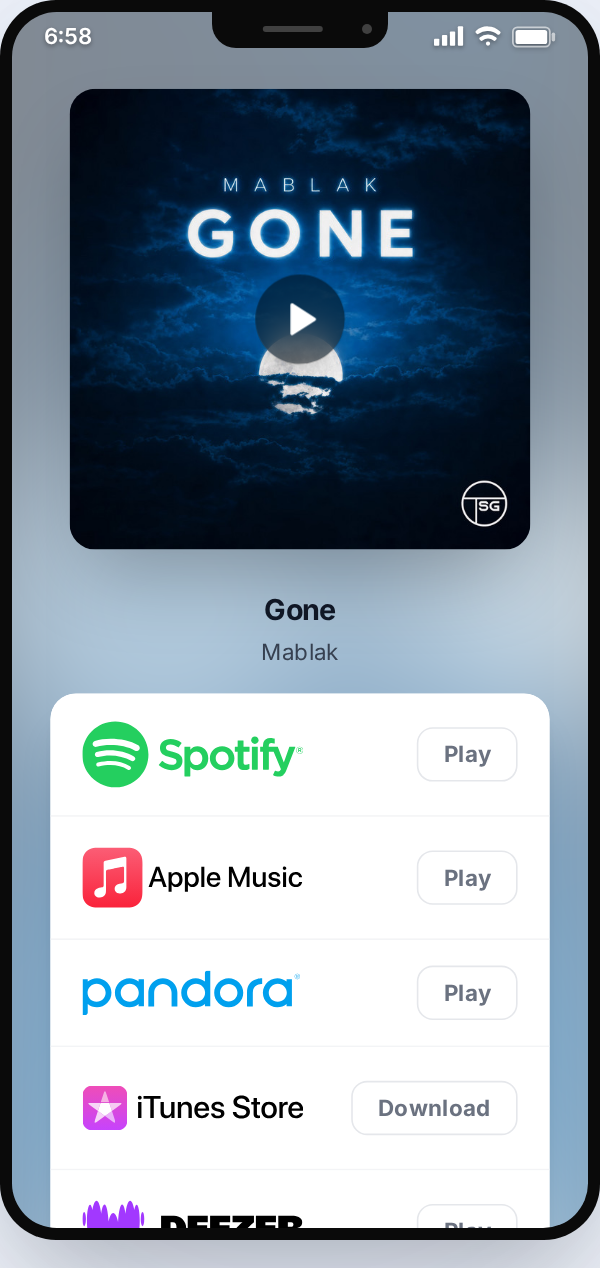
A real public Music Link shown in the same phone preview used inside Studio.
A destination for every release
Build a Music Link with artwork, streaming destinations and your preferred button order. Platform discovery can suggest matches from supported identifiers or links, but you can inspect and edit each destination yourself.
Music Links can support pre-release and live campaigns; an Artist Link brings your photo, socials, videos and every connected release together on one page. An optional signup on any of these pages lets fans share their email without blocking your links. Music Links can also require an email before revealing streaming destinations. You can view and export consented addresses; sending emails is up to you.
Plan your promotionHow it works
- 1
Choose your link
Start with a Music Link or an Artist Link.
- 2
Make it yours
Add artwork, check destinations and customize the layout and buttons.
- 3
Share and learn
Publish one URL and review the clicks it receives.
Before you start
- Will it find every streaming service automatically?
- Discovery can suggest supported platforms, but availability differs by release. Review each destination before sharing.
- Can fans leave their email?
- Yes. Offer an optional signup on Music Links or your Artist Link without hiding destinations, or require an email to unlock a Music Link. Fans consent before their address is saved, and you can view or export it. No emails are sent automatically.
- Are links free?
- Yes. With a free Studio account, you can create links and publish your first 5 active links for free. You can still save drafts after reaching that live-link limit.