Spotify Canvas Maker
Turn an image into a moving Canvas for your track, then add it in Spotify for Artists.
See a still image become motion.
From still image to motion
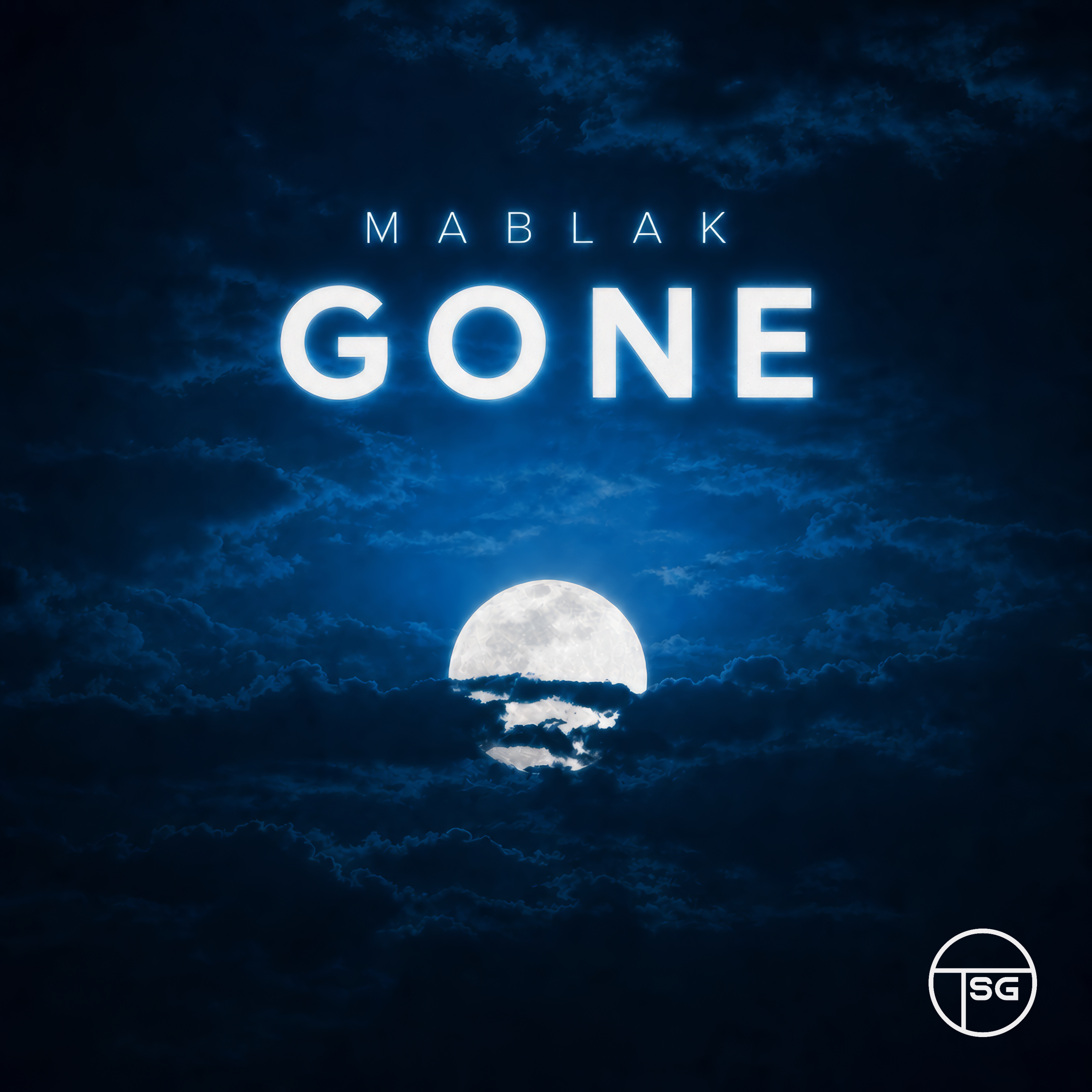
Active examples selected for the Canvas tool. Watch the looping result.
From a still image to a Spotify Canvas
Upload a JPG or PNG image or choose one from your Studio library. Choose whether to keep its text, logos and overlays, then select 5 or 10 seconds. Animation is chosen automatically from the image. Preview the result before downloading. The tool creates a 1080×1920 vertical video; a completed video is added to a track separately through Spotify for Artists.
Your Canvas does not replace your cover art. Check the finished video against Spotify’s current upload guidance before submitting it.
Check Spotify delivery specsHow it works
- 1
Choose an image
Upload a JPG or PNG image or select one from your Studio library.
- 2
Choose what stays
Choose whether to keep text, logos and overlays, then select a duration and review the credit cost.
- 3
Download and add it
Review the finished loop, download it, then upload it in Spotify for Artists.
Before you start
- Can I upload it directly to Spotify?
- No. Download the result and add it to your track in Spotify for Artists. Spotify controls final acceptance.
- How many credits does it use?
- 5 seconds costs 10 credits, and 10 seconds costs 20 credits.